The supplier’s photos came with the product. So did everyone else’s.
Import a catalog and you inherit the same handful of JPEGs as every other store selling that item. InHub turns one of them into photography only your store has.
 The file you have
 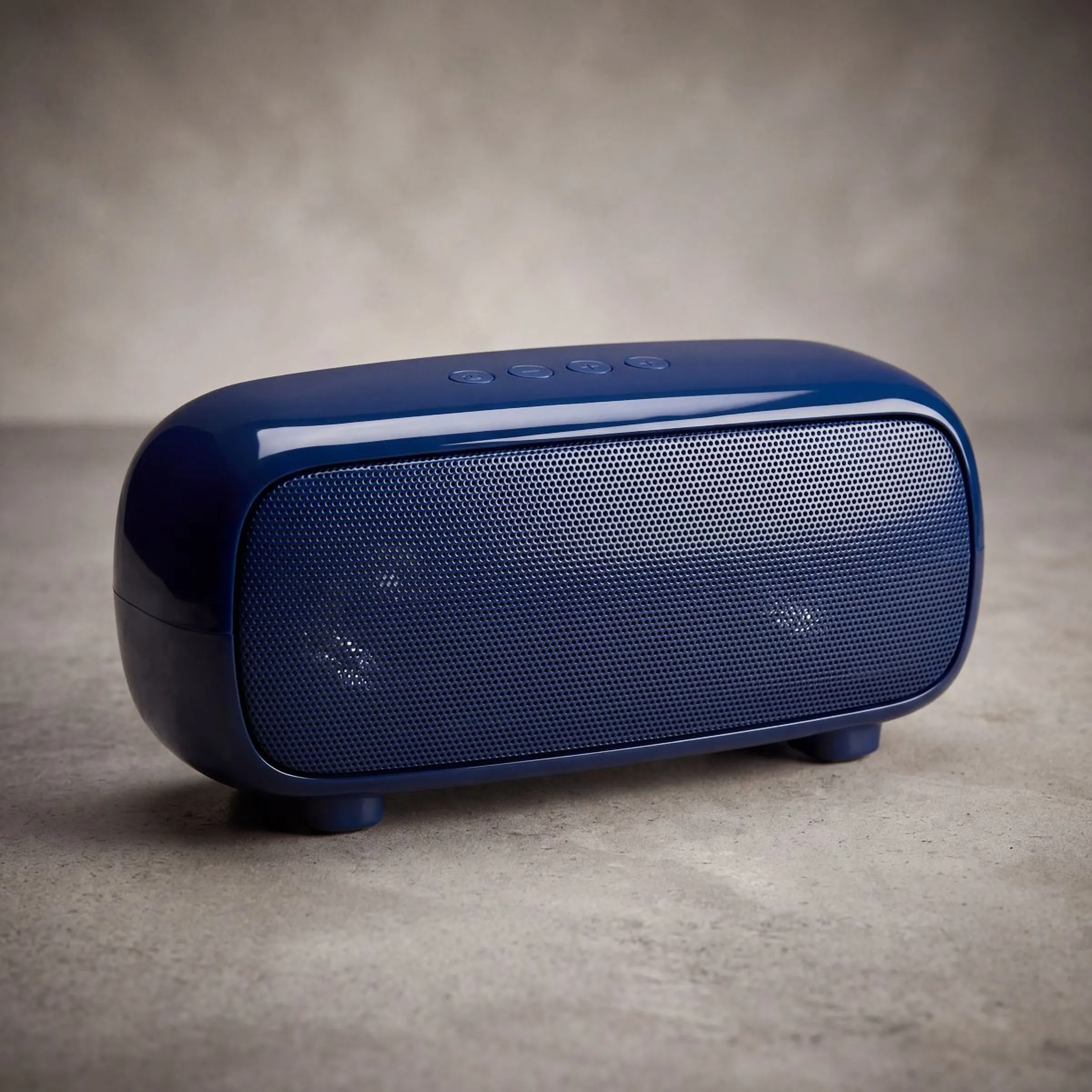 What InHub sends back
 This pair starts from a phone photo. A supplier image is the same job: InHub needs one usable picture of the product, not the product in your hand.
Why imported catalogs stall.
Same product, same picture
Every store that imported that item got the same photo pack. Your listing reads as a copy because, photographically, it is one.
Supplier images serve the supplier
Wrong shape for your theme, a watermark in the corner, a background that fights your storefront, and resolution that falls apart the moment a customer zooms.
Reshooting is not an option
Photographing an imported catalog properly means holding the stock, lighting it, and shooting it. Nobody is doing that for three hundred SKUs.
Your own photography, from the file you already have.
InHub does not need the product in your hands. It needs one usable image of it.
-
One image in.
-
Up to ten out, in the styles you choose.
-
The listing and the ad written alongside them.
Three steps, no studio.
-
Connect
Install InHub in your Shopify admin. Your catalog is already there — imported products included.
-
Open a product
Pick any item and use the images it arrived with as the input. No reshoot, no unboxing.
-
Choose and approve
Set the shot styles and the count, review what comes back, and publish the ones you want.